Knowledge baseFARMGOD features
The FARMGOD Telegram bot: alerts and answers in your chat
Connect a Telegram bot to FARMGOD and your farm reports to your group: sudden changes on a miner, the outcome of every action, AI audit findings. On a Private VPS it takes commands and answers questions too.
A dashboard is only useful while somebody looks at it. For the rest of the day there is the phone in your pocket. FARMGOD talks to Telegram, so what matters reaches you wherever you are.
It is your bot
You create a bot with Telegram's BotFather, paste its token into FARMGOD's settings and name the group it posts into. The bot carries your name and lives in your group. Nobody else is in the conversation.
What it reports
Each kind of message has its own switch:
- Sudden changes on a miner: hashrate, temperature or fan speed.
- Dev-fee pool switches.
- Changes and actions: how a reboot or a pool change went, as one line for the whole batch.
- AI audit findings.
Commands and answers
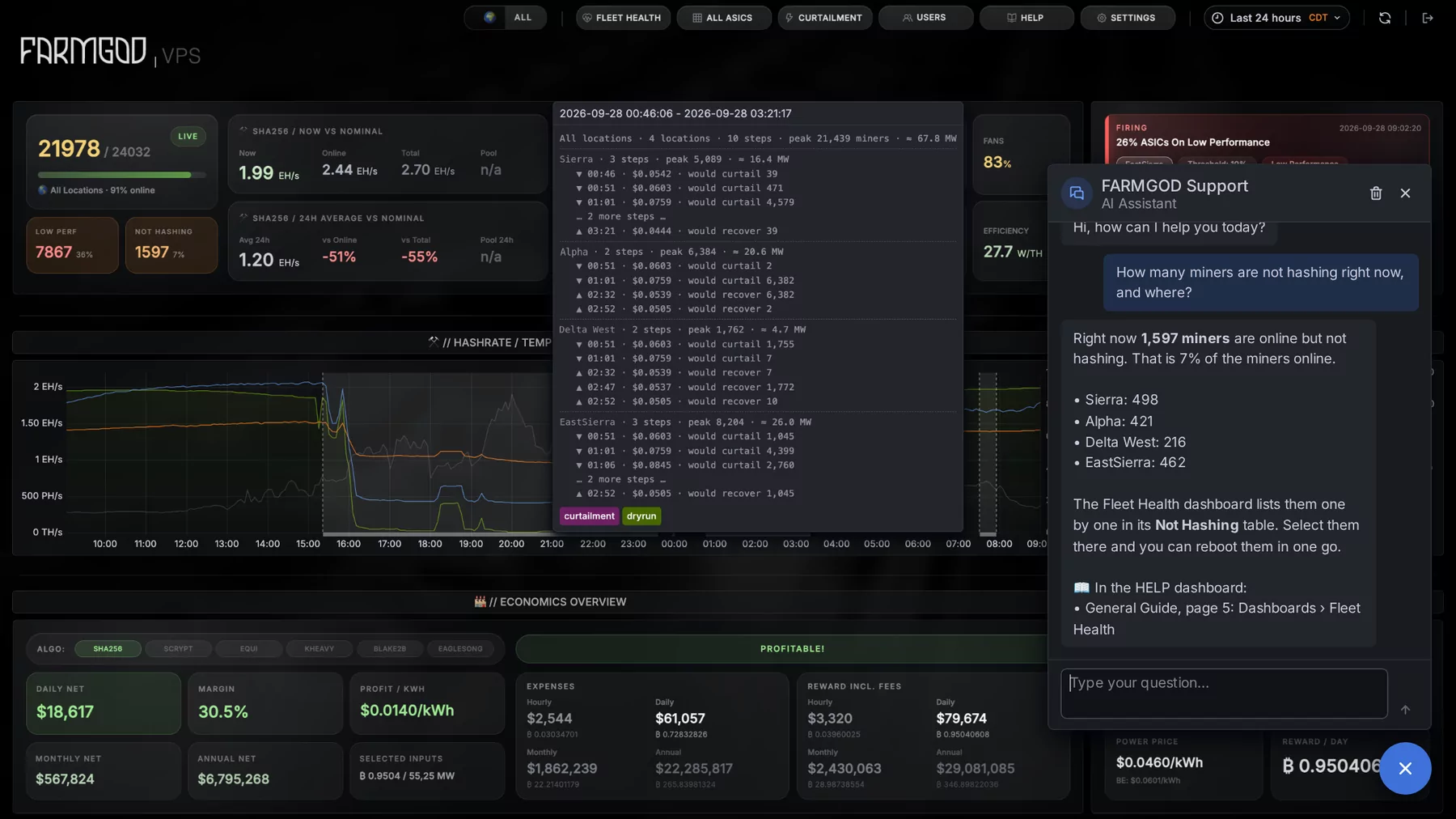
On a Private VPS the bot also takes commands from the users you list: a miner's readings and log, a note for its history, power mode, sleep and reboot from a menu of buttons, and an AI analysis of a miner, a shelf or the fleet. And it answers your team's questions about FARMGOD and about your own data.
How to get it
Settings, then Telegram. It is included on a Private VPS; on FARMGOD Cloud the Telegram notifications are part of Cloud PRO. The article The FARMGOD Telegram bot lists the commands.
New to FARMGOD? Get started shows the three steps, and the pricing compares the plans.