January 21, 2026Features
The FARMGOD Telegram bot: your farm reports to your chat
Connect a Telegram bot to FARMGOD and your farm reports to your group: sudden changes on a miner, the outcome of every action, the findings of an AI audit. On a Private VPS the bot takes commands as well.
A dashboard is only useful while somebody looks at it. For the rest of the day there is the phone in your pocket. FARMGOD now talks to Telegram, so the things that matter reach you wherever you are.
It is your bot
You create a bot with Telegram's BotFather, which takes a minute, and paste its token under Telegram in FARMGOD's settings. Then you name the channel or group it posts into, and the Telegram users who may talk to it. The bot carries your name and lives in your group. Nobody else is in the conversation.
What it reports
Each kind of message has its own switch, so the group gets what it wants to know and nothing more.
- Sudden changes on a miner. Hashrate, temperature or fan speed that jump from one reading to the next.
- Dev-fee pool switches. A miner that moves to its firmware's dev-fee pool.
- Changes and actions. When settings are changed or an action runs, the bot says how it went. An action for hundreds of miners is one line, not hundreds:
[ INFO ] Reboot completed (OK:48/ERR:0)
[ WARN ] Sleep completed (OK:119/ERR:1)- AI audit findings. What the AI auditor notices on a miner is posted to the group, not only written on the miner's page.
What you can ask it to do
On a Private VPS the bot also takes commands. Only the users you listed may give them.
- /cfg with a miner's IP opens a menu of buttons: power mode, power limit, sleep and wake, reboot, the locate LED, and fast-hash mode on Whatsminers. No typing, and the menu only answers the person who opened it.
- /fg_devdetail shows a miner's full readings.
- /fg_log fetches a miner's log.
- /fg_note writes a note into a miner's history: "fan replaced", straight from the aisle.
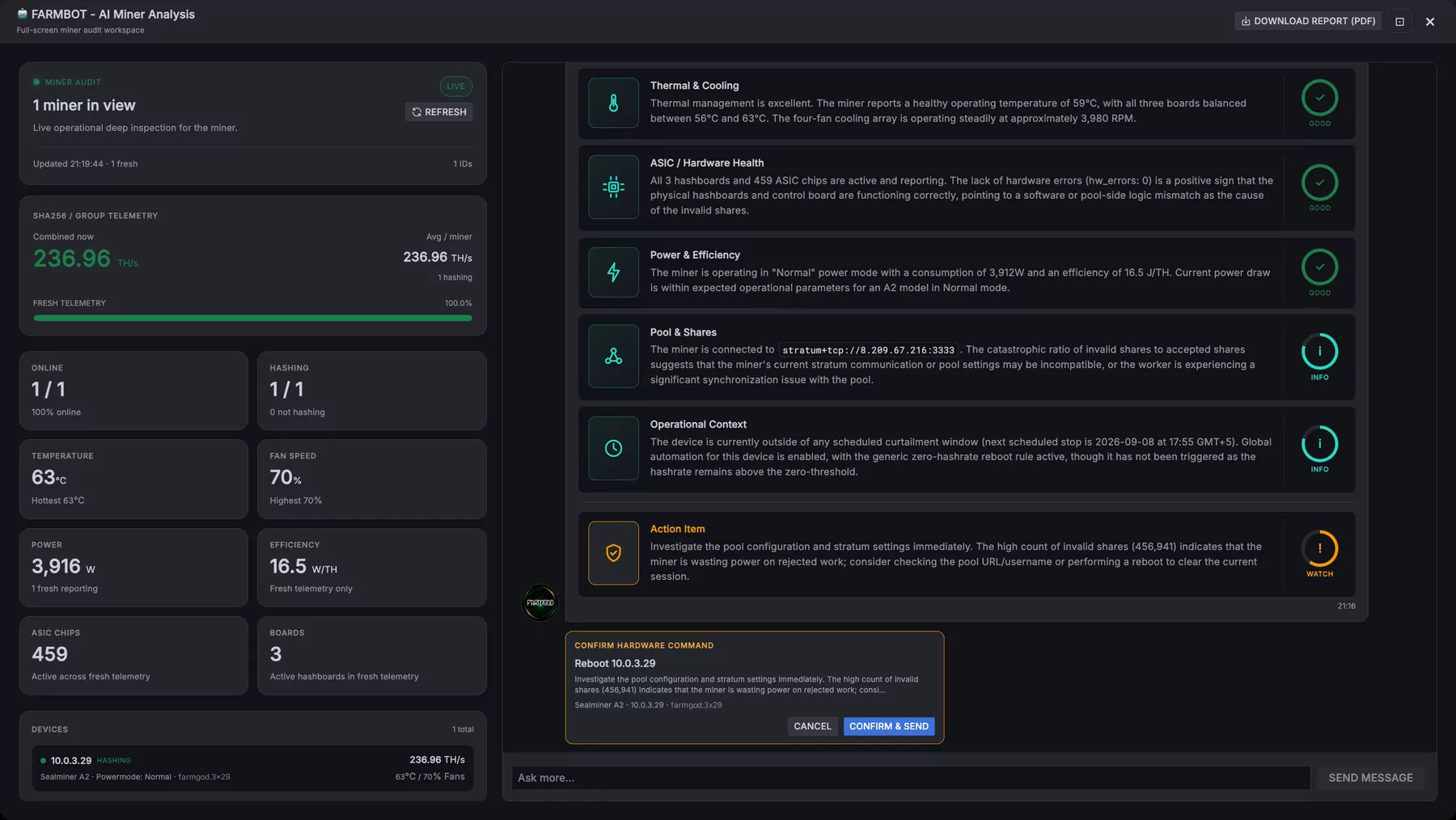
- /analyze runs an AI analysis: of one miner, of a shelf, of a whole network range or of the fleet.
- /fg_curtailment shows where curtailment stands.
Whatever the bot does to a miner is noted on that miner, with the name of the person who asked for it.
Where to set it up
Settings, then Telegram. On a Private VPS it is included; on FARMGOD Cloud the Telegram settings are part of Cloud PRO. The pricing section has the details.
Update, October 2026: on a Private VPS the bot now answers questions too. Read A support assistant on every dashboard.