Knowledge baseFARMGOD features
Automation: miners that look after themselves
FARMGOD's Automation reacts on its own when a miner stops hashing, runs hot, falls behind or loses a board or a fan, and brings it back to normal afterwards.
Most of what goes wrong with a miner at three in the morning has a boring fix: reboot it, slow it down, or put it to sleep before it overheats. Automation does that by rules you set, and writes down what it did.
The rules
- Zero hashrate. A miner that is online but not hashing for a few minutes is rebooted, or put to sleep.
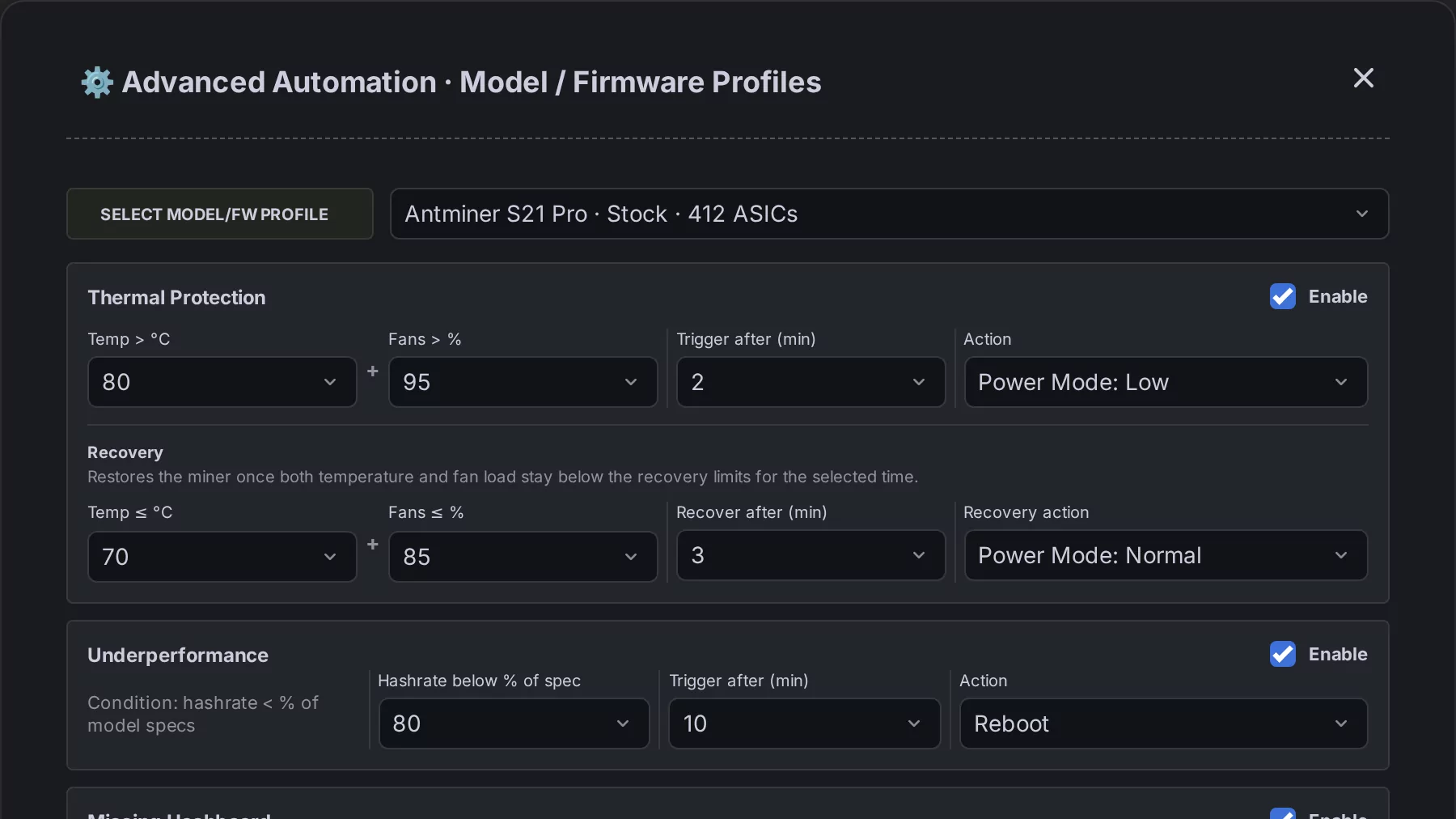
- Thermal protection. When temperature and fan load are both over your limits, the miner goes to the low power mode or to sleep. It comes back by itself once both have stayed under the recovery limits.
- Underperformance. Hashrate stays under a percentage of what the model should deliver.
- Missing hashboard and missing fan. Fewer boards or fans are working than the model has.
For every rule you choose how long the condition has to last, and what happens then.
A profile per model and firmware
An Antminer on stock firmware and one on VNish don't run at the same temperatures and can't do the same things. Every combination of model and firmware at your location gets a profile of its own, with its own limits and actions.
Built to be left alone
- Only what a miner can do. A profile offers the actions that model and firmware support, and nothing else.
- No one-way streets. Sleep is only offered where the miner can be woken up again.
- A grace period after a start, so a booting miner is not mistaken for a broken one.
- Nothing happens unseen. Every step is noted on the miner.
How to get it
Settings, then Automation. It is part of Cloud PRO and of every Private VPS. The article Automation: miners that look after themselves walks through the settings.
New to FARMGOD? Get started shows the three steps, and the pricing compares the plans.