October 8, 2026Features
A support assistant on every dashboard
A chat bubble in the bottom right corner of every FARMGOD dashboard now answers your questions: from the guides, and from your own fleet's data.
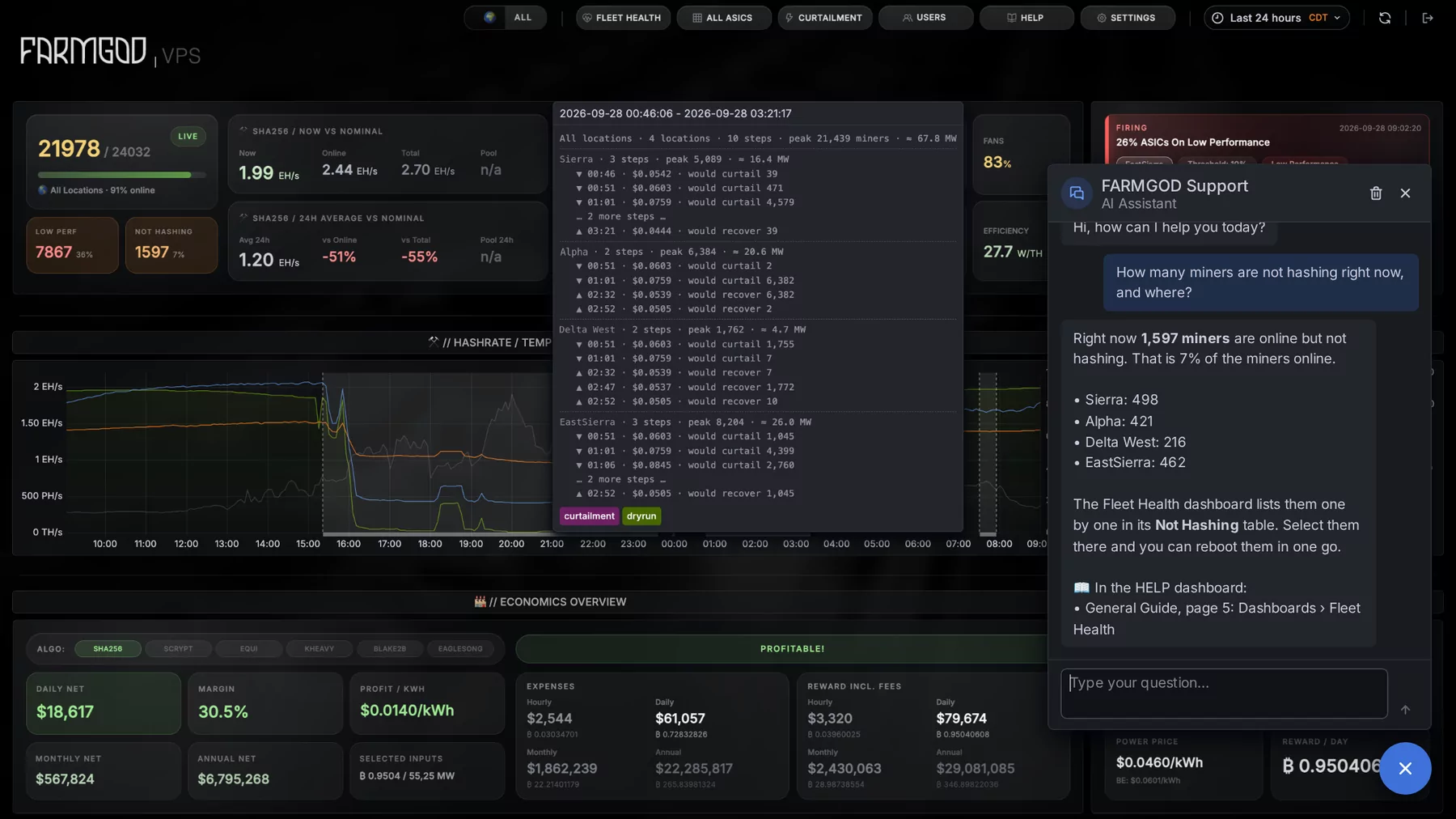
Good documentation has one weakness: you have to find the right page. So FARMGOD now comes with someone who has read all of it, and who can look at your fleet as well: an AI assistant, one click away on every dashboard.
Where to find it
Bottom right, on every FARMGOD dashboard, on FARMGOD Cloud and on a Private VPS: a round button with a speech bubble.
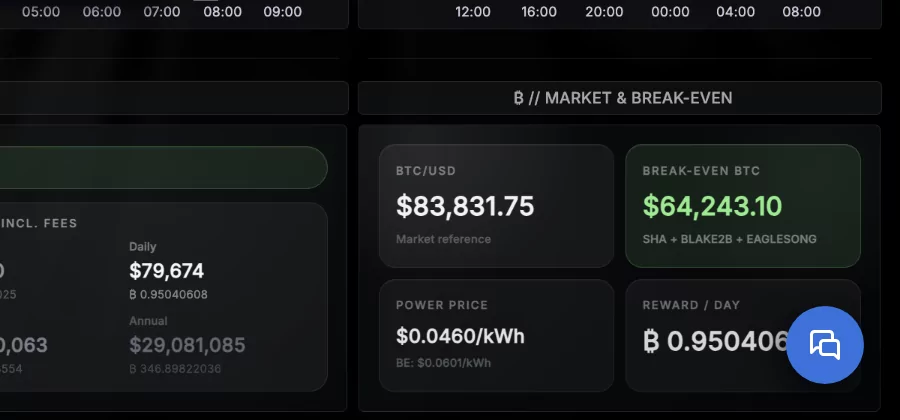
Click it and the chat opens with "Hi, how can I help you today?". It stays open while you move from one dashboard to the next, so you can follow its answer step by step.
Ask how something works
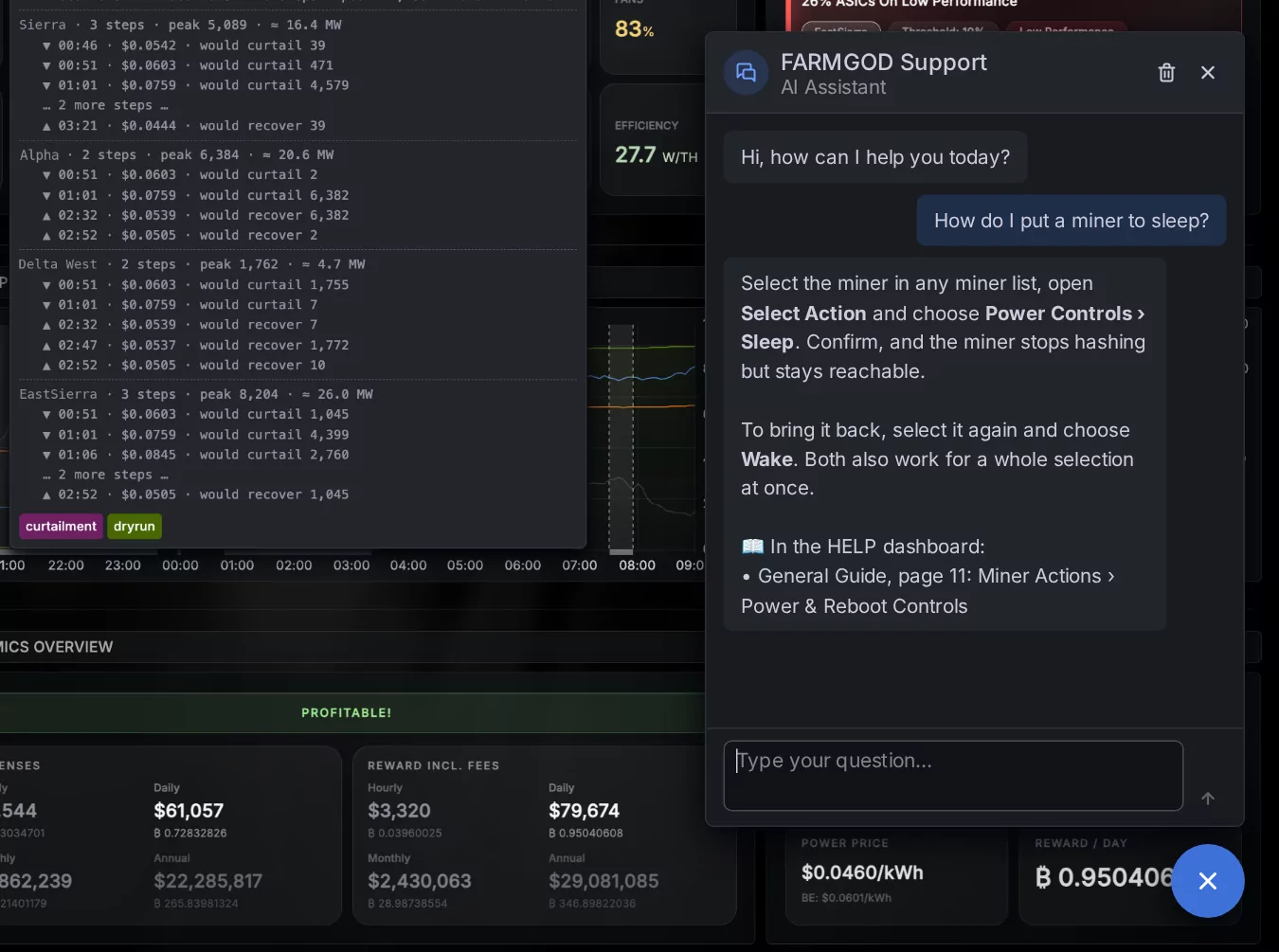
The assistant knows the FARMGOD guides. Ask how to put a miner to sleep, how to set up curtailment or how to add a user. It explains the steps and tells you where in the HELP dashboard you can read more.
Ask about your own fleet
It can also look things up in your data. How many miners are not hashing right now, and where? Which ones run hot? What happened to a certain miner last night? The assistant reads the numbers and answers in plain words. The picture at the top shows one of these answers.
What it does, and what it leaves alone
- It sees what you may see. On FARMGOD Cloud that is your own account. On a hosting provider's VPS, a customer's assistant sees that customer's miners and nobody else's.
- It reads, it doesn't act. The assistant explains how to reboot a miner. It will not reboot one. Nothing in your fleet changes because of a chat.
- A conversation is yours. It is still there after a reload. Someone else who signs in on the same computer starts with an empty chat.
- It answers in your language. Ask in the language you prefer.
What it needs
On a Private VPS the assistant uses the Gemini key from the AI Audit settings, the same one the AI Cockpit works with. On FARMGOD Cloud it works without any setup, and a number of questions per day is included. With a Gemini key of your own that limit is gone.
Also in Telegram
On a Private VPS the same assistant answers in your Telegram group: mention the bot, reply to one of its messages, or start your question with /ask.