October 17, 2026Company
FARMGOD on YouTube: every feature, in motion
Almost a hundred videos in eleven playlists, from the first sign-up to the API, plus Shorts for the farm floor. All recorded in FARMGOD itself.
Some things are faster to show than to explain. How a curtailment event plays out on the dashboards, where a miner with a dead hashboard stands, how a technician walks a rack with a phone in hand: you get it in thirty seconds of watching, where a guide needs pages.
So FARMGOD now has its own YouTube channel. Every video is recorded in FARMGOD itself, on a demo farm, with the same screens you know from your own dashboards. No mock-ups, no slides: the real product, doing the real work.
FARMGOD in one minute
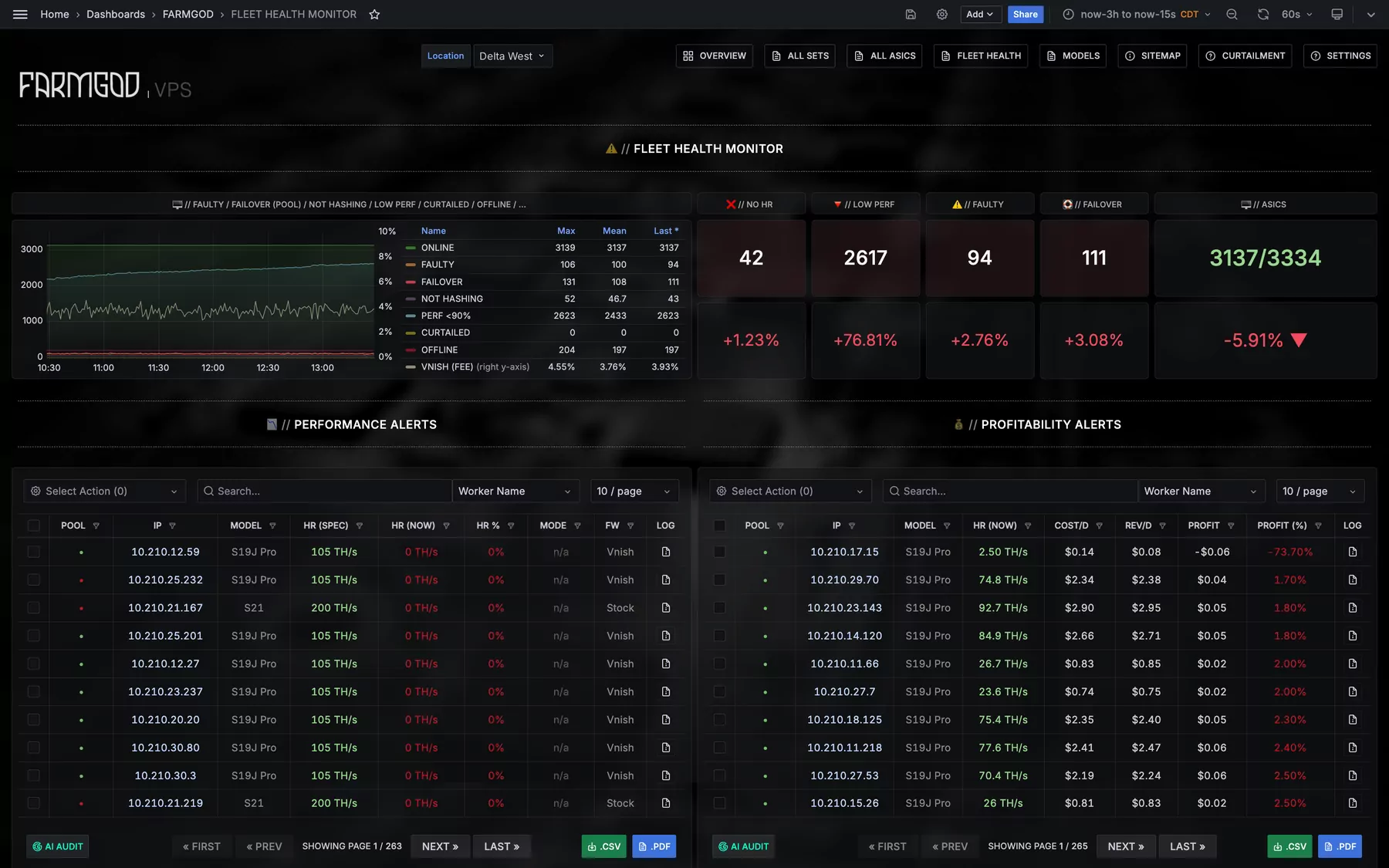
The trailer at the top is the whole platform at a glance. The Overview with hashrate, temperatures, power and profit for every location. Fleet Health lighting up the miners that need a look. The chip map, which on supported firmware such as Braiins OS shows every chip in its place on the board. Actions for one miner or a thousand at once. The whole farm on a phone. The Sitemap, with every miner where it stands. Curtailment that puts miners to sleep when power prices spike and wakes them when it's over. And FARMGOD.OS, which brings a farm online in minutes.
Three kinds of videos
- Overviews. One feature in one to three minutes: what it does, and why it matters on a farm.
- How-tos. One task, step by step, mostly in under a minute. They follow our guides chapter by chapter, so the video and the PDF always tell the same story.
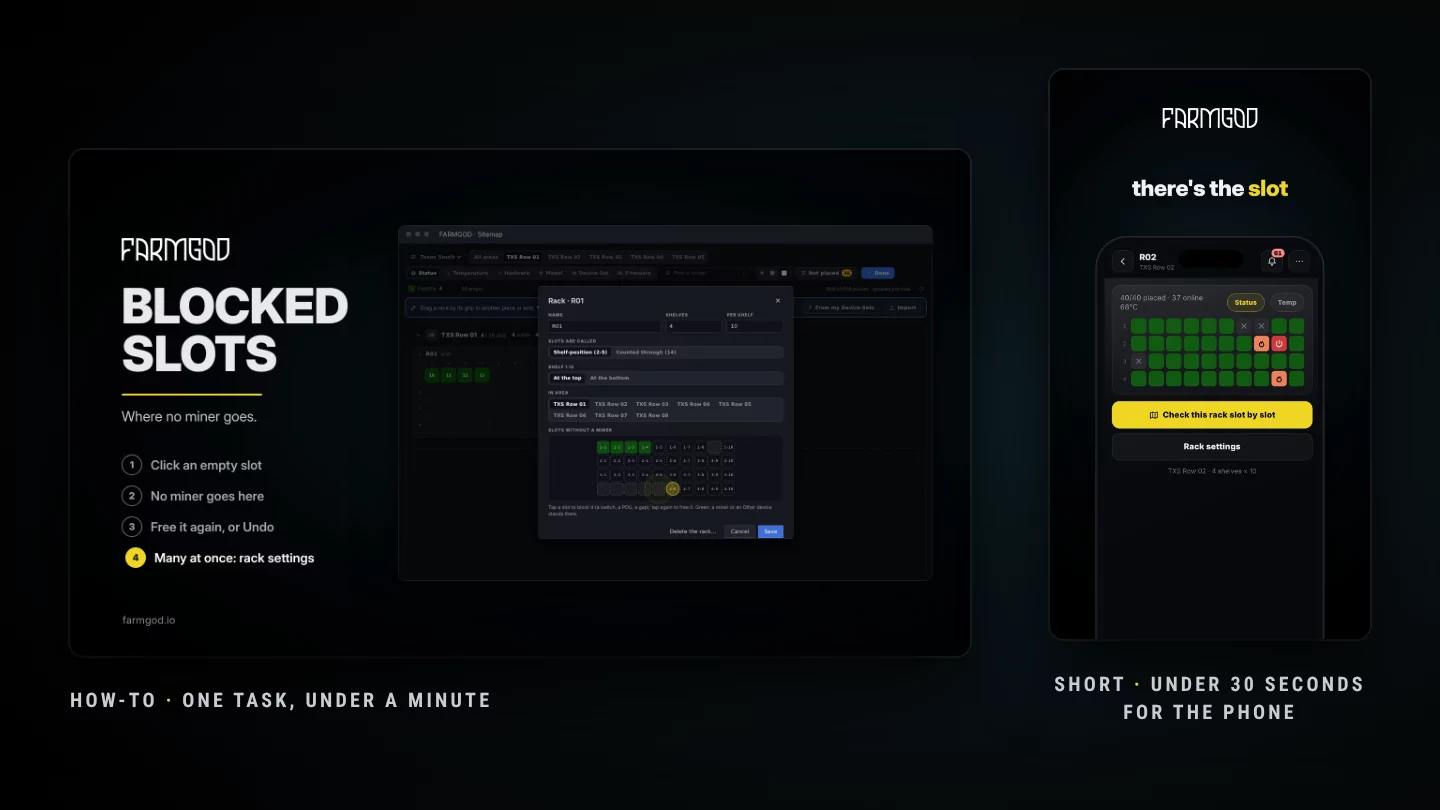
- Shorts. Under thirty seconds, upright, made for the phone: one thing to try on your next walk through the farm. Find every hot miner, block a slot, scan a label.
The playlists
The channel is laid out the way you'd learn FARMGOD, from the first sign-up to the API. Every playlist below is live:
- Getting Started: from creating your account and your first login to the first scan of your network, and what the free plan, the trial and Cloud PRO include.
- FARMGOD.OS: the USB stick, VirtualBox, the first boot and the pairing code, installing to the PC's disk, your installations in Settings, the Kollektor on your own Linux computer, and what to do when miners don't show up.
- Dashboards: the Overview, Fleet Health, the miner lists and tiles, and a single miner in depth, down to its boards and chips.
- Miner Actions: reboot, sleep and wake, power modes, and acting on a whole selection at once.
- On Your Phone: the whole farm in your pocket.
- Sitemap: building your site, mapping it on site with your phone, blocked slots, devices FARMGOD doesn't monitor, importing a layout and replacing a miner.
- Pools & Theft Prevention: pools for everything or per Device-Set, worker names, and how FARMGOD keeps your hashrate yours.
- Automation, Alerts & AI: rules, alerts, Telegram, FARMBOT and the AI audit.
- Curtailment: strategies on the power price, the Bitcoin price or the hashprice, what to curtail, and watching it work.
- Private VPS: FARMGOD on a server of your own, and the first login there.
- The API: your token, listing your fleet, and recipes like rebooting every offline miner in one call.
Where to start
New to FARMGOD? Start with Getting Started: five short videos take you from the sign-up on farmgod.io to your first miners on the dashboard. Then FARMGOD.OS, which brings your farm online. After that, pick what your farm needs most: the dashboards, curtailment, the Sitemap or your phone.
Prefer it short? The Shorts shelf has one thing to try on your next walk through the farm: wake a whole row once a price spike is over, find the miner your pool flags, see which of a board's chips is down.
Also inside FARMGOD
You don't have to leave the dashboard to watch. The videos sit in HELP, next to the guides, and on your phone under Help, and when you ask the support assistant how something works, it points you to the video that shows it.
What comes next
Hosting (customer accounts, ownership and billing), supported hardware and firmware, and a short What's new video with every release, next to its article here on the blog. And more Shorts, every week.
Tell us what to show
Missing a topic, or stuck on a step? Ask in the comments under any video. The questions we hear most become the next videos.