October 30, 2026Features
What's new in FARMGOD, week 44
Fleet Health that adds up, notes and a roomier Sitemap on the phone, network scans that go easier on your network, and Braiins OS built right into FARMGOD.
User interface
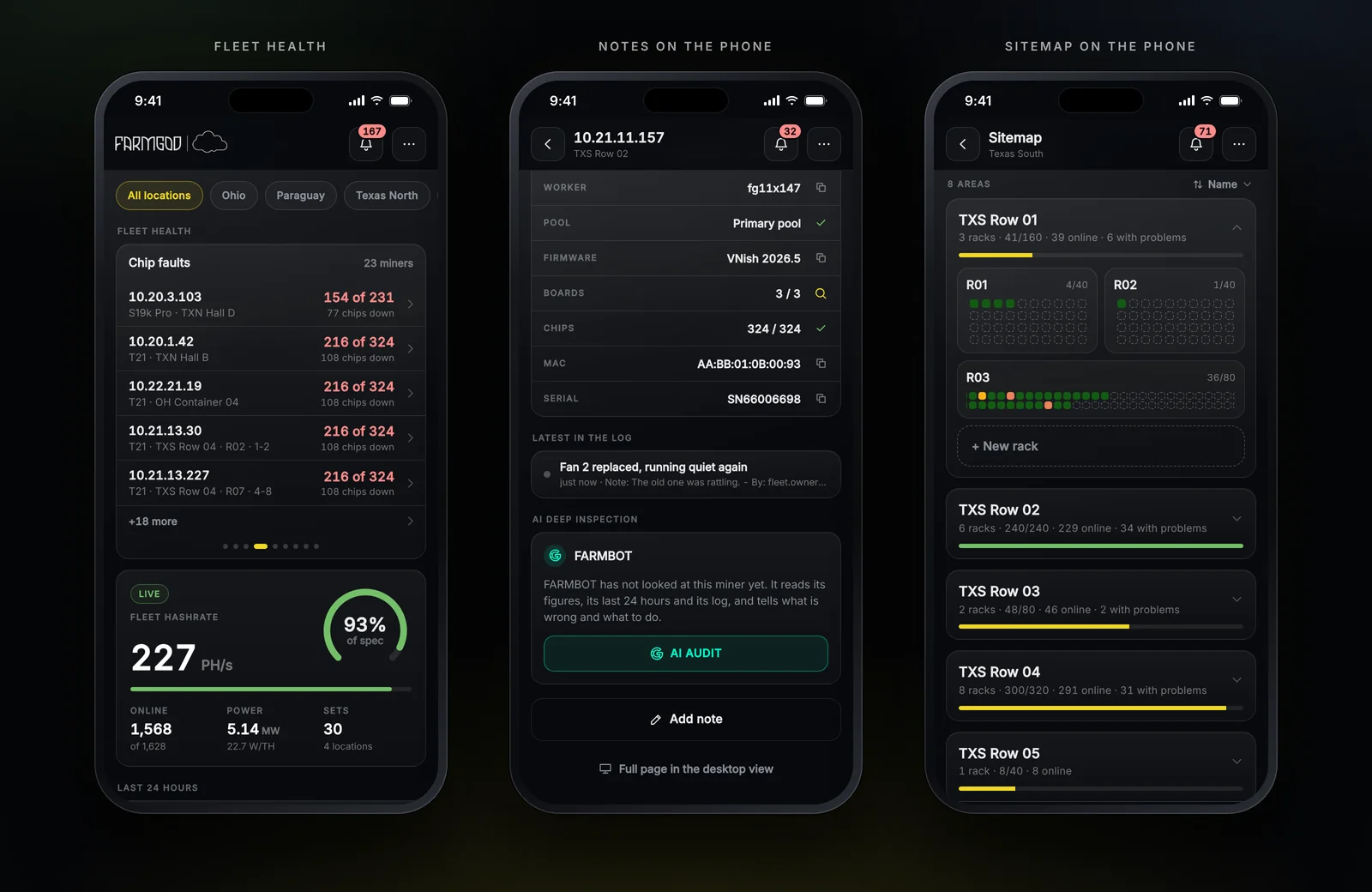
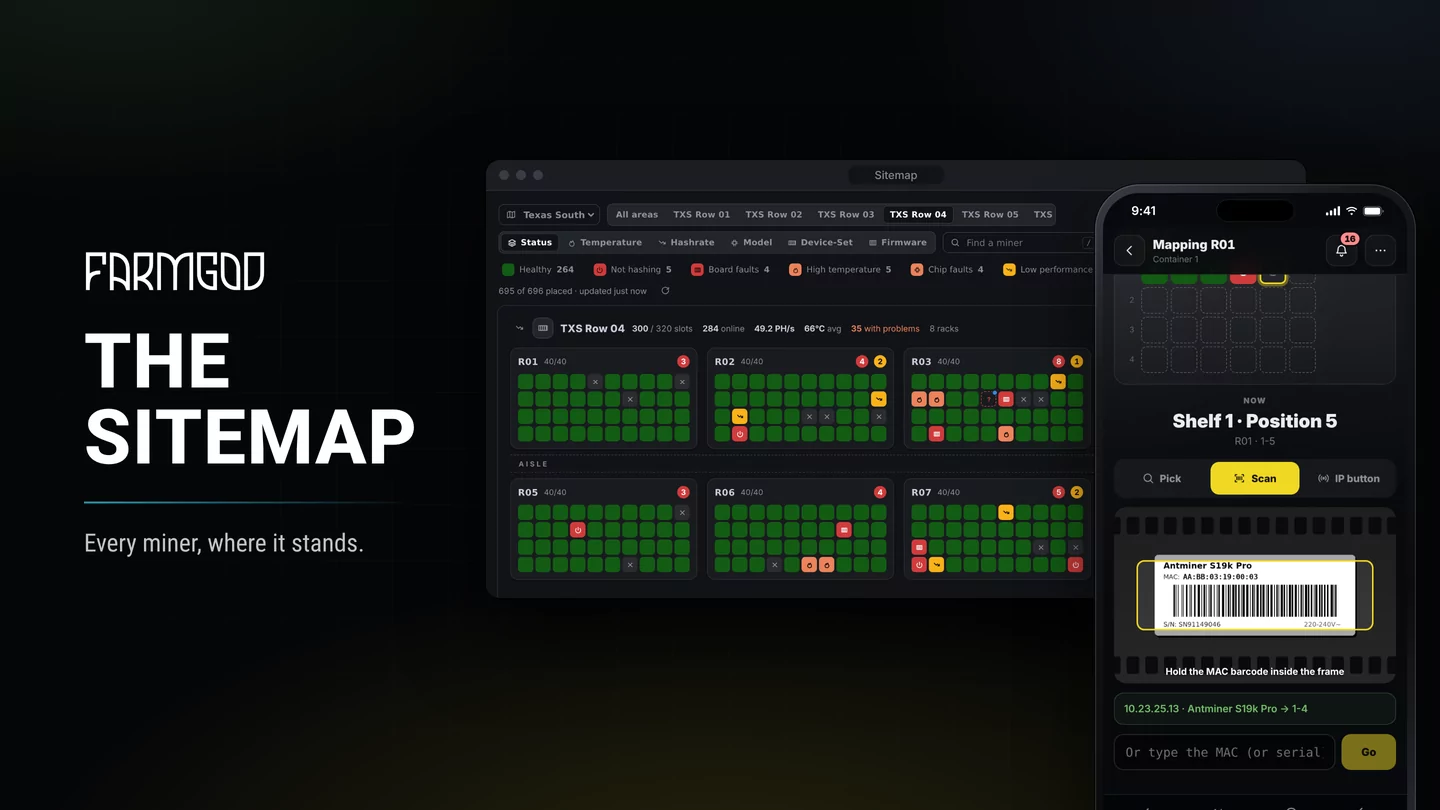
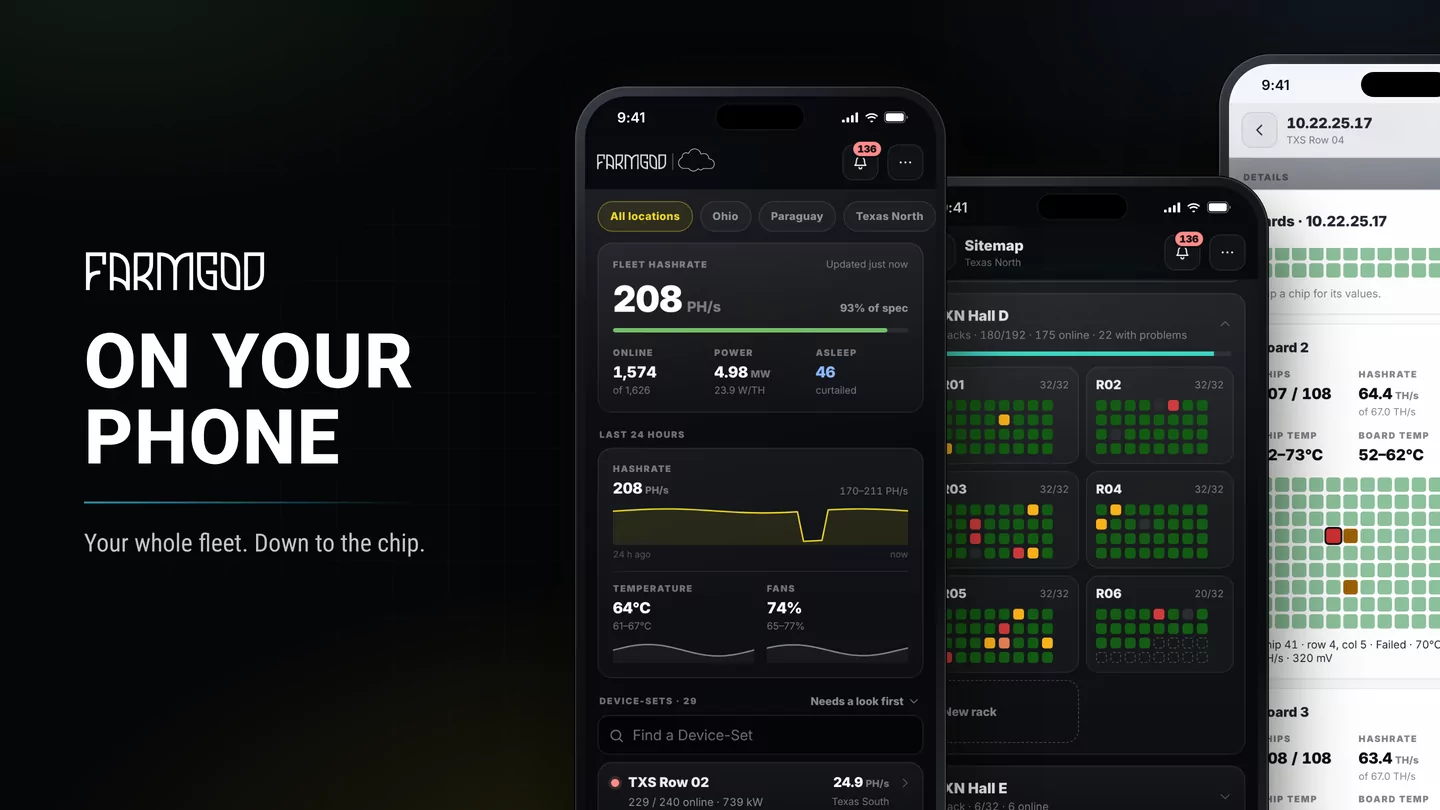
- Fleet Health that adds up. Board and chip faults count only miners that hash; a stopped miner shows under Not hashing. "X of N" and the boards or chips down come from the same numbers, and the desktop, the phone and Sitemap all use the same rules.
- Notes from the phone. Add a note at the bottom of a miner's page, just like on the desktop.
- Sitemap on the phone: wide racks take the whole row and scroll inside their tile, and + New rack has a row of its own.
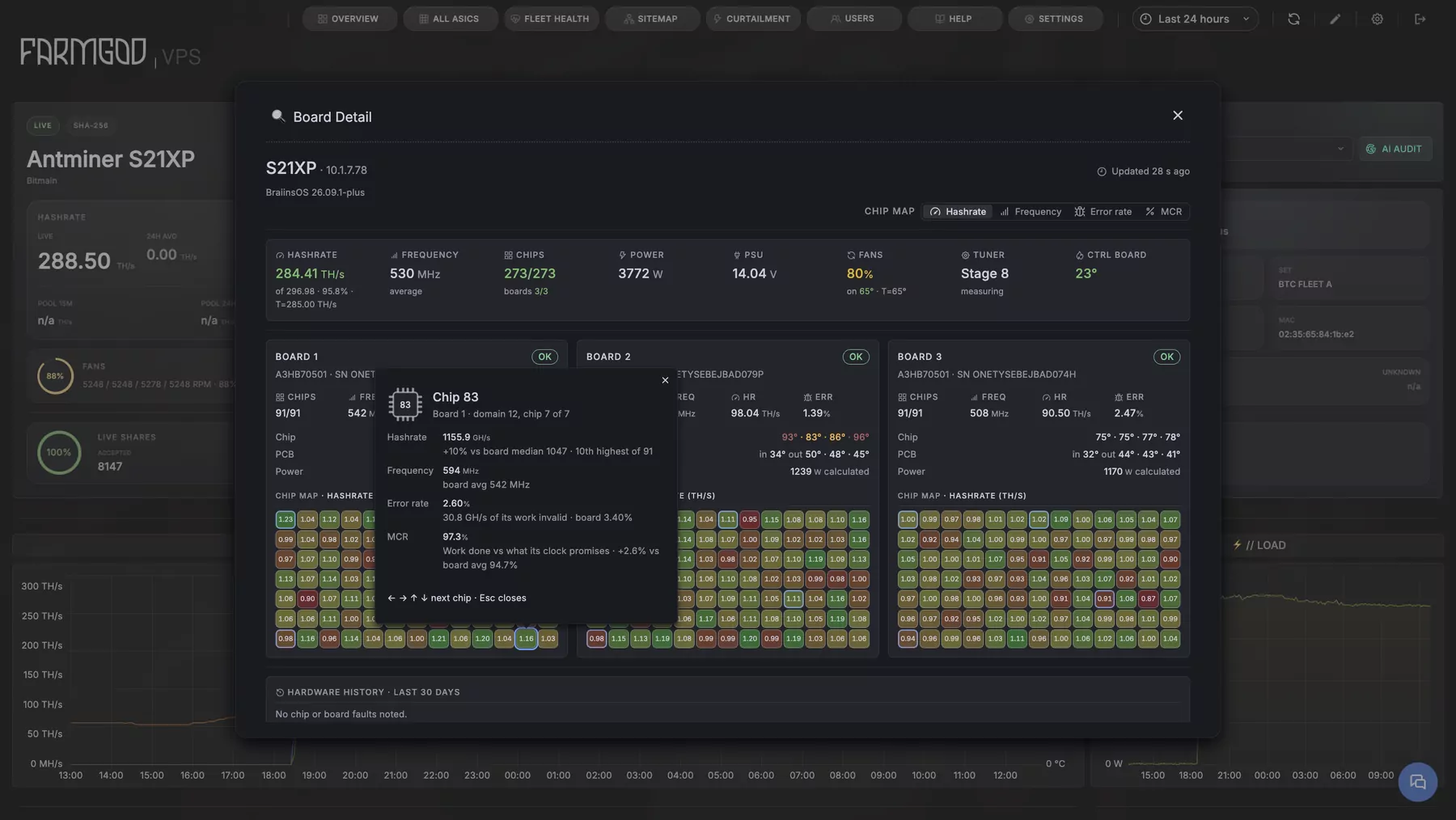
- Braiins OS, built in. Install, upgrade and fine-tune Braiins OS for whole Device-Sets, right from FARMGOD on desktop and phone.
Tools: FARMGOD.OS and Kollektor
- Smarter network scans. Device-Sets that share an address range share one scan, which is much lighter on the Kollektor and your network. Big ranges get up to 15 minutes, so every miner is identified, and a moved miner's new address is picked up by any scan.
- Goldshell IP Report. Press the IP Report button on a Goldshell and FARMGOD hears it.
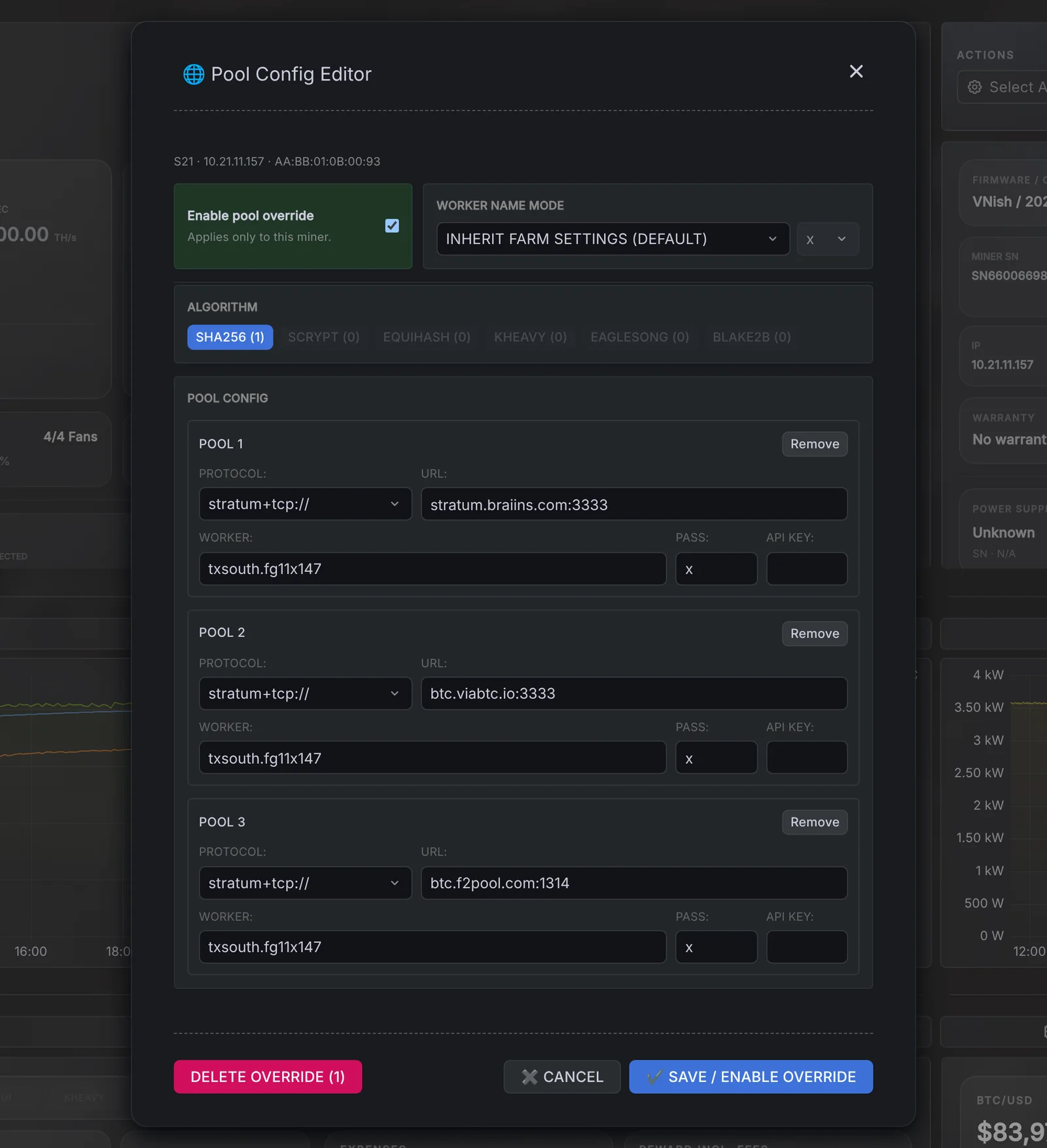
- Every pool counted: FARMGOD counts every pool a miner has set up, not only the one it mines on, across makers.
FARMGOD.OS picks up the new Kollektor at its next start; a standalone Kollektor shows you the update on the dashboard.
Questions or ideas? Let us know!